
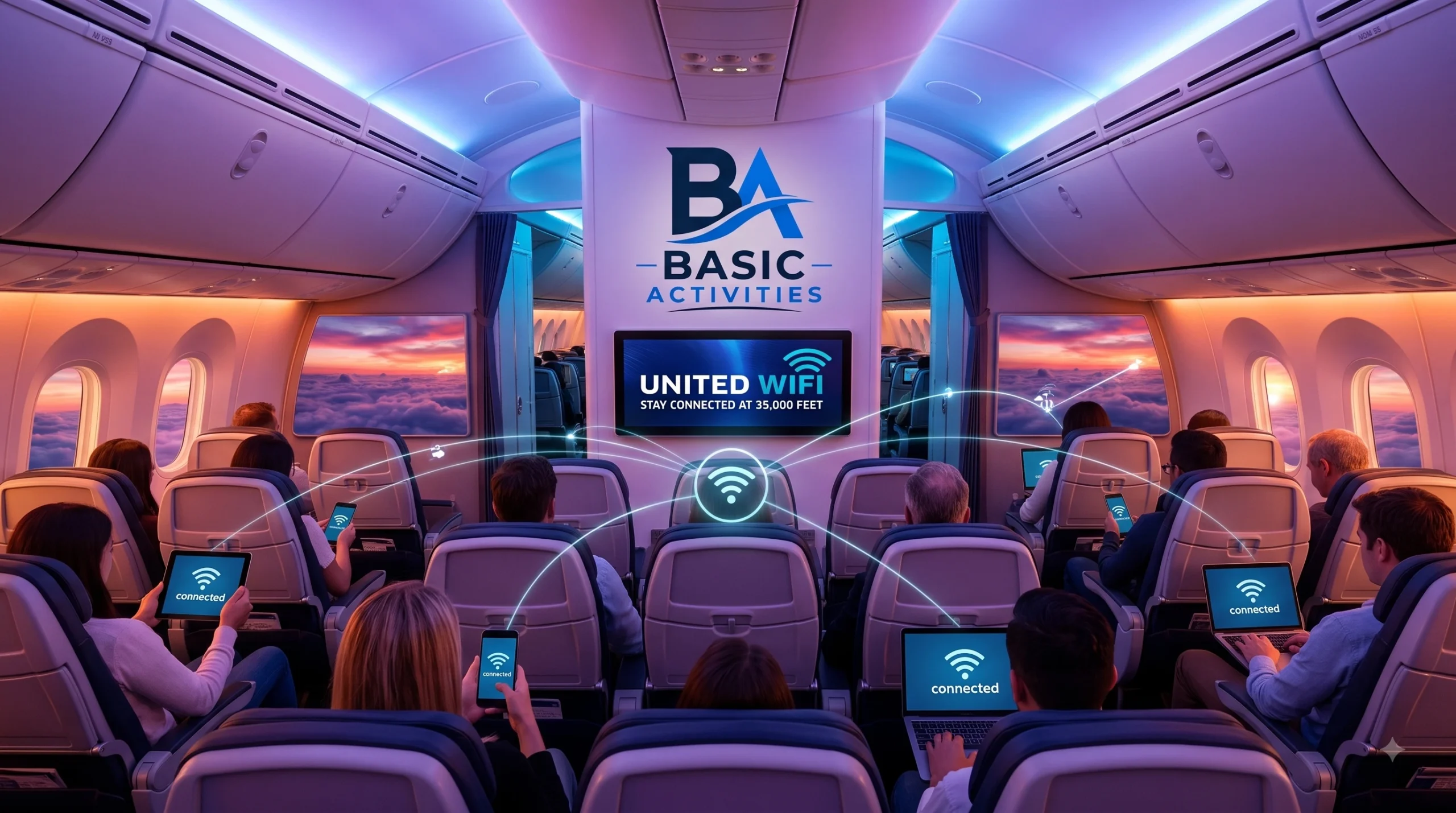
In an era where remote work, social media connection, and high-definition streaming dominate daily life, remaining disconnected during a six-hour cross-country flight or an eleven-hour transatlantic journey is rapidly becoming a thing of the past. Passengers no longer view in-flight internet as a novelty luxury; it is now an essential utility for business travelers, families, and casual vacationers alike.
Recognizing this shift, United Airlines has invested heavily in modernizing its onboard internet architecture. Through United WiFi, travelers can catch up on urgent work emails, stream live sports, chat with family on ground level, or relax with on-demand movies at 35,000 feet.
Navigating the nuances of in-flight connectivity can sometimes feel confusing. Different aircraft models within United’s extensive fleet utilize varying satellite technology providers—ranging from legacy air-to-ground systems to cutting-edge low-Earth-orbit (LEO) satellite arrays. Pricing models also differ based on flight duration, route, loyalty status, and telecom partnerships.
This comprehensive guide breaks down everything you need to know about United WiFi. From detailed pricing plans and free messaging options to step-by-step connection guides, troubleshooting tips, and the game-changing SpaceX Starlink rollout, here is your ultimate manual to staying seamlessly connected when flying with United Airlines.
What is United WiFi and How Does It Work Onboard?
United WiFi is the umbrella term for the suite of internet and digital portal services offered across United Airlines mainline and United Express regional aircraft. When you step onboard a United flight, the aircraft serves as a flying Wi-Fi hotspot, distributing wireless broadband internet directly to your personal devices, including smartphones, tablets, laptops, and smartwatches.
Satellite Networks Behind United In-Flight Connectivity
To deliver continuous signal coverage across global airspace, United Airlines partners with several industry-leading satellite and telecom providers:
- SpaceX Starlink: The newest and fastest addition to United’s fleet. Utilizing low-Earth-orbit satellites, Starlink delivers low-latency, high-speed broadband to personal devices and seatback screens worldwide. United Airlines+ 1
- Viasat: High-capacity satellite connectivity featured primarily on Boeing 737 MAX 9 and select mainline aircraft, supporting high-speed browsing and video streaming.
- Panasonic Avionics: Global satellite coverage deployed across widebody long-haul aircraft (such as Boeing 767, 777, and 787 Dreamliners) and select narrowbody planes, maintaining connections on ocean-crossing routes.
- Thales: Satellite coverage installed on many narrowbody Boeing 737 aircraft, providing reliable browsing and messaging within continental airspace.
- Gogo / Intelsat Wireless: Utilized primarily on United Express two-cabin regional jets (such as Embraer 175s and Bombardier CRJ-700s).
Gate-to-Gate WiFi Experience
On the vast majority of United flights equipped with modern satellite systems, United WiFi operates on a gate-to-gate basis. This means you do not have to wait until the aircraft reaches 10,000 feet cruising altitude to log on. You can connect as soon as you step into the cabin, maintain your connection through taxi and takeoff, and stay online continuously until the airplane reaches its arrival gate.
The SpaceX Starlink Revolution: Free, High-Speed United WiFi
In a landmark transformation for global aviation connectivity, United Airlines partnered with SpaceX to equip its entire fleet of over 1,000 mainline and regional aircraft with Starlink Wi-Fi. This rollout marks a shift away from legacy, high-latency satellite systems toward true home-quality internet in the sky.
How Starlink Changes In-Flight Streaming and Gaming
Traditional in-flight internet relies on geostationary satellites orbiting 22,000 miles above Earth, resulting in noticeable signal delay (latency exceeding 600ms) and limited bandwidth per passenger.
Starlink’s low-Earth-orbit constellation circles just 300 to 350 miles above the planet. This drastic reduction in altitude drops latency down to sub-50 milliseconds—comparable to terrestrial home fiber networks. As a result, United WiFi powered by Starlink enables passengers to:
- Stream High-Definition Video: Watch live sports, YouTube, Netflix, Hulu, or Twitch without buffering.
- Play Online Multiplayer Games: Enjoy low-ping gaming directly from your laptop or handheld gaming device.
- Conduct Live Video Calls: Participate in uninterrupted Zoom, Microsoft Teams, or Google Meet video conferences.
- Download Large Work Files: Transfer heavy cloud documents and slide decks in seconds.
- Connect Multiple Devices: Log in with your phone, tablet, and laptop at the exact same time under a single account session.
Fleetwide Rollout Timeline Across Domestic and Transatlantic Routes
United’s Starlink integration began testing on regional aircraft before expanding rapidly to mainline narrowbody planes (such as Boeing 737s) and widebody aircraft (Boeing 777s and 787s). United has executed widebody Starlink deployments on major transatlantic routes connecting international hubs like Newark/New York, Chicago O’Hare, San Francisco, and Washington Dulles to London, Paris, Frankfurt, Tokyo, and beyond.
Best of all, Starlink-powered United WiFi is completely free for all MileagePlus members. Simply signing up for United’s free loyalty program grants immediate access to high-speed internet onboard Starlink-fitted flights.
United WiFi Pricing and Subscription Plans Explained
If your upcoming flight is operated by an aircraft that has not yet completed its Starlink retrofitting, United WiFi remains accessible through a standard, transparent fee structure.
| Connection Type | MileagePlus® Member Pricing | Non-Member Pricing | Alternative Payment |
|---|---|---|---|
| Domestic & Short-Haul Intl. | $8.00 flat rate | $10.00 flat rate | 800 MileagePlus® Miles |
| Long-Haul International | Route dependent | Route dependent | Varies by flight length |
| North & Central America Subscription | $49.00 / month | $49.00 / month | 7,500 miles / mo ($539 or 80k miles/yr) |
| Global Subscription | $69.00 / month | $69.00 / month | 10,500 miles / mo ($689 or 100k miles/yr) |
Single-Flight Costs for Members vs. Non-Members
For domestic and short-haul international flights (including destinations in Canada, Mexico, and the Caribbean), United utilizes flat-rate pricing:
- MileagePlus Members: $8.00 per flight segment.
- Non-Members: $10.00 per flight segment.
Joining United MileagePlus takes only two minutes and instantly saves you $2 per flight segment on United WiFi access. On long-haul international flights crossing the Atlantic or Pacific oceans on legacy Panasonic systems, pricing varies based on total flight duration and distance traveled.
United WiFi Monthly and Annual Subscriptions
Frequent flyers who travel multiple times per month can save substantially by purchasing a United WiFi subscription. Subscriptions cover all internet usage on United and United Express operated flights:
- North and Central America Plan: Covers all flights within North America, Central America, and Hawaii.
- Monthly: $49.00 or 7,500 miles www.skyscanner.com
- Annual: $539.00 or 80,000 miles www.skyscanner.com
- Global Plan: Covers worldwide flights across United’s entire international route network.
- Monthly: $69.00 or 10,500 miles www.skyscanner.com
- Annual: $689.00 or 100,000 miles www.skyscanner.com
Important Note: United WiFi subscriptions automatically renew each month unless canceled through your MileagePlus account preferences. Subscriptions cover internet access on one active device at a time.
Paying with United MileagePlus Miles
Travelers can choose to redeem reward miles instead of cash to cover United WiFi charges. Domestic flight passes cost 800 miles, which provides an approximate value of 1 cent per mile. You can easily select “Pay with Miles” directly inside the onboard purchase portal at unitedwifi.com.
Free Messaging and Complimentary Features on United WiFi
Even if you choose not to purchase a full internet pass or are flying on an aircraft without Starlink, United Airlines ensures you stay connected with friends and family on the ground at zero cost.
Supported Apps for Free In-Flight Messaging
Every Wi-Fi equipped United aircraft offers Free In-Flight Messaging to all passengers. This service allows you to transmit text-based messages, emojis, and group texts over popular messaging platforms:
- Apple iMessage: Text other iPhone, iPad, and Mac users smoothly.
- WhatsApp: Send real-time texts and emoji reactions.
- Messages by Google: Stay connected on Android devices using standard RCS or SMS protocols.
Note: Free messaging supports text and standard system emojis. Uploading photos, sending voice notes, or making video calls through messaging apps requires a full United WiFi pass or Starlink connection.
Accessing In-Flight Entertainment and united.com
Without spending a dime on internet passes, every passenger can connect to the onboard Wi-Fi signal to access free digital media. You can freely browse:
- The official United.com website and the United Mobile App. United Airlines
- Flight tracking radar, arrival terminal maps, gate connection details, and baggage status updates.
- United’s extensive Personal Device Entertainment library, streaming hundreds of Hollywood movies, complete TV series seasons, audio podcasts, and live news directly to your personal phone or laptop. United Airlines
How to Connect to United WiFi Step-by-Step
Connecting to United WiFi is designed to be fast and intuitive. Follow these simple steps to get online whether you are using a mobile phone, tablet, or laptop computer.
1.Prepare Your Device Before Departure:Recommended step before boarding.
Download the official United Mobile App from the Apple App Store or Google Play Store before leaving the airport terminal. The app makes accessing entertainment, managing connection settings, and saving your MileagePlus credentials effortless while in flight.
2.Enable Airplane Mode and Turn On Wi-Fi:Immediate boarding step.
Once onboard the aircraft, switch your device to Airplane Mode to disable cellular radios. Next, toggle your device’s Wi-Fi setting back to “On”.
3.Join the United Wi-Fi Network:Network configuration.
Open your device’s wireless settings menu and select the network named United_Wi-Fi.
4.Open Your Web Browser or United App:Accessing the portal.
Launch your preferred internet browser (Safari, Chrome, Edge, or Firefox). In most cases, the onboard splash page will automatically pop up. If it does not redirect automatically, manually type unitedwifi.com into your browser address bar.
5.Select Your Access Option:Final login phase.
- If on a Starlink flight: Sign in with your free United MileagePlus username and password to unlock free high-speed internet.
- If paying for access: Select your desired pass ($8 for MileagePlus members or $10 for non-members), enter your credit card or MileagePlus account info, and tap “Connect”.
- If using Free Messaging: Click “Free Messaging,” choose your messaging app, and start texting.
Understanding unitedwifi.com: Features of the Onboard Portal
The moment you connect to the United_Wi-Fi network, unitedwifi.com serves as your digital flight command center. You do not need to pay for internet access to utilize the rich features embedded within this internal portal.
Flight Tracking and Connection Updates
The homepage of unitedwifi.com displays real-time flight tracking telemetry. Passengers can monitor:
- Aircraft ground speed, altitude, and heading.
- Estimated time remaining until touchdown.
- Live ambient outdoor weather conditions at the destination airport.
- Connecting Flight Center: Updated gate assignments, departure times, and terminal transfer directions for passengers traveling on multi-leg itineraries.
On-Demand Entertainment and Live TV Access
Through the portal, passengers can stream thousands of hours of premium content to their personal screens. United partners with major entertainment studios and streaming services to offer curated channels, documentaries, and kid-friendly programming. On select satellite-equipped planes, travelers can also tune into live broadcast channels, including major network news, live sporting events, and financial news networks.
United WiFi Speed, Reliability, and Streaming Capabilities
Internet quality aboard an airliner depends heavily on the underlying technology installed on that specific tail number.
Can You Stream Netflix, YouTube, or Live Sports on United WiFi?
- On Starlink Flights: Yes, flawlessly. You can stream 4K video, watch YouTube without buffering, scroll TikTok or Instagram Reels, and play multiplayer video games seamlessly.
- On Viasat Flights: Yes. Viasat offers sufficient bandwidth to support standard-definition (SD) and high-definition (HD) streaming platforms on most flights.
- On Panasonic / Thales / Gogo Flights: Limited. These traditional satellite platforms prioritize web browsing, email access, and messaging. High-bitrate video streaming like Netflix or Hulu may suffer from buffering or restricted video resolutions.
Coverage Gaps, Dead Zones, and Weather Disruptions
While United WiFi covers vast geographical expanses, occasional temporary outages can occur due to environmental or regulatory factors:
- Polar Routes: Legacy satellite beams fade near extreme polar latitudes, though Starlink satellite coverage fully resolves this issue.
- Satellite Handshakes: When an airplane transitions between regional satellite beams, connectivity may briefly drop for 30 to 90 seconds.
- Severe Weather: Intense atmospheric storms or heavy cloud cover can occasionally scatter high-frequency satellite signals.
- International Regulations: Wi-Fi signals may be temporarily deactivated while flying through airspaces governed by nations with strict telecom broadcasting restrictions.
How T-Mobile and MileagePlus Perks Elevate Your United WiFi Experience
United Airlines offers special connectivity perks through corporate partnerships and loyalty program benefits.
T-Mobile In-Flight Connection Benefits
T-Mobile wireless customers enjoy complimentary United WiFi privileges built directly into their mobile service plans:
- T-Mobile Magenta MAX / Go5G Plus / Experience Plans: Unlimited free Wi-Fi access on all domestic and international United flights equipped with Wi-Fi, including full video streaming capabilities.
- Standard T-Mobile / Go5G Plans: Four full-flight Wi-Fi sessions per calendar year, plus 1 hour of free Wi-Fi access on every flight you take.
To redeem this benefit onboard, simply launch unitedwifi.com, select “T-Mobile Connection,” enter your eligible T-Mobile phone number, and pass a quick SMS or security verification prompt.
Elite Status Perks for United MileagePlus Members
In addition to receiving discounted $8 rates on domestic Wi-Fi passes and free high-speed Starlink access, United Premier Elite members (Silver, Gold, Platinum, and 1K) frequently receive promotional Wi-Fi credits, discounted annual subscriptions, and exclusive MileagePlus point-redemption rates.
Troubleshooting Common United WiFi Issues
Encountering connection trouble at 35,000 feet can be frustrating. If you experience difficulty logging onto United WiFi, use these proven troubleshooting techniques to fix your connection.
What to Do If unitedwifi.com Doesn’t Load
If your device connects to United_Wi-Fi but the landing page fails to launch, try the following steps:
- Type the Direct IP / URL: Open your browser URL bar and manually type
[http://www.unitedwifi.com](http://www.unitedwifi.com)or[http://192.168.1.1](http://192.168.1.1). - Disable Custom DNS or VPNs: Virtual Private Networks (VPNs) and custom DNS setups (like Cloudflare
1.1.1.1or Google DNS8.8.8.8) block automatic captive portal redirects. Temporarily disable your VPN software until you complete the login sequence. - Turn Off Private Wi-Fi Addressing: On iOS devices, go to Settings > Wi-Fi, tap the information
(i)icon next toUnited_Wi-Fi, and temporarily toggle off Private Wi-Fi Address. - Clear Browser Cache / Open Incognito Window: Clear your browser cache or open a fresh Incognito/Private Browsing tab to bypass cached network redirects.
Fixing Slow Speeds or Frequent Disconnections
- Forget and Rejoin the Network: Go to Wi-Fi settings, tap “Forget This Network,” re-enable Wi-Fi, and re-select
United_Wi-Fi. Skyscanner - Restart the United App: Force-close the United Mobile App and reopen it.
- Switch Devices: United WiFi passes allow you to switch active connections between devices. If your laptop is sluggish, log out on your computer and log in on your tablet or smartphone.
- Request a Refund: If Wi-Fi fails or remains inoperable for the duration of your flight, submit a refund request at
[united.com/refunds](https://united.com/refunds)using your ticket receipt number.
Conclusion: The Future of In-Flight Broadband with United WiFi
The landscape of in-flight connectivity has arrived at a pivotal turning point. Through its comprehensive partnership with SpaceX Starlink and continuous upgrades across legacy satellite networks, United Airlines is setting a new benchmark for aviation internet.
United Airlines
Whether you need to send a simple text message to a loved one on ground level via Free Messaging, execute intensive business productivity tasks on a cross-country journey, or stream live sports in ultra-high-definition over international waters, United WiFi delivers a flexible, robust solution tailored to every traveler’s budget and technological demand.
Before heading out on your next trip, remember to:
- Download the latest version of the United Mobile App. United Airlines
- Join the United MileagePlus loyalty program to save money or secure free Starlink access. United Airlines
- Pack your charging cables and wireless headphones for a seamlessly connected journey at 35,000 feet!
Frequently Asked Questions (FAQs) About United WiFi
Is United WiFi free for everyone?
United WiFi offers Free Messaging (iMessage, WhatsApp, Google Messages) to all passengers. Full high-speed internet access is 100% free for United MileagePlus members on all aircraft equipped with Starlink Wi-Fi. On planes operating legacy satellite systems, Wi-Fi costs $8 for MileagePlus members or $10 for non-members.
How do I connect to United WiFi on my flight?
Turn on Airplane Mode, enable Wi-Fi, join the United_Wi-Fi network, open your web browser, navigate to unitedwifi.com, and log in using your MileagePlus account or credit card details.
Can I stream video on United WiFi?
Yes. Video streaming (Netflix, YouTube, Hulu, live TV) is fully supported on all Starlink-equipped flights and Viasat-equipped aircraft. On aircraft utilizing older satellite networks, video streaming bandwidth may be limited.
How much does a United WiFi subscription cost?
United WiFi subscriptions cost $49/month (or 7,500 miles) for North & Central America coverage, and $69/month (or 10,500 miles) for Global coverage. Annual plans are available for $539 or $689, respectively.
What should I do if unitedwifi.com will not open?
If the portal does not load automatically, manually type unitedwifi.com or 192.168.1.1 into your browser address bar. Make sure to turn off active VPNs, private DNS settings, and Private Wi-Fi Address settings on your smartphone.